![biarri-networks-logo.png]](https://fondhelp.biarrinetworks.com/hs-fs/hubfs/biarri-networks-logo.png?height=40&name=biarri-networks-logo.png)
If you have administrative access to your FOND workspace, you will enjoy a variety of visibility and permissions. As an administrator, you have full management over the list of users who have access to the workspace and subscription inclusions, including other administrators and platform seat holders.
User management
URL: https://fond.biarrinetworks.com/settings/users/list
Capabilities: Invite users, remove users, allocate seats, and change user roles
The User List allows you to identify which users are within the account, what roles they have, and whether they have been assigned a seat.
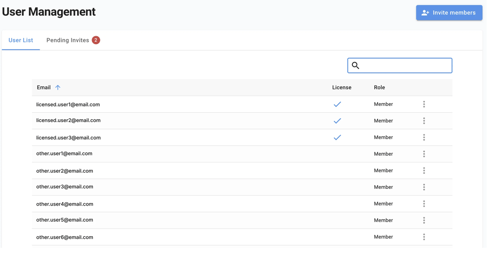
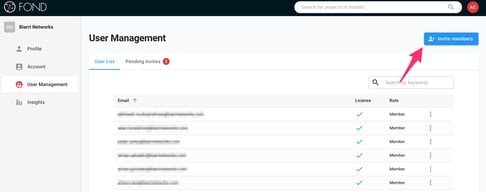
As an administrator, you have the ability to invite new users to join the workspace.
You can change user roles, allocate seats to those who need them for project creation or design execution, deallocate seats, and remove users.
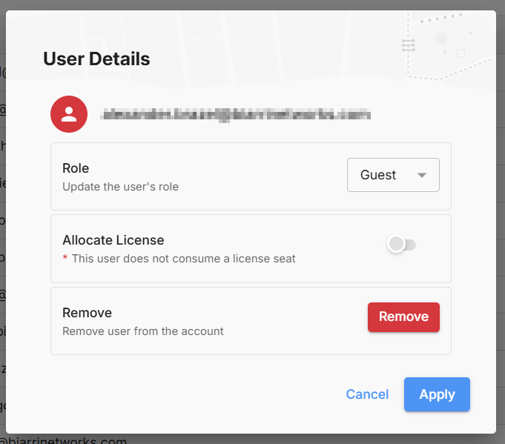
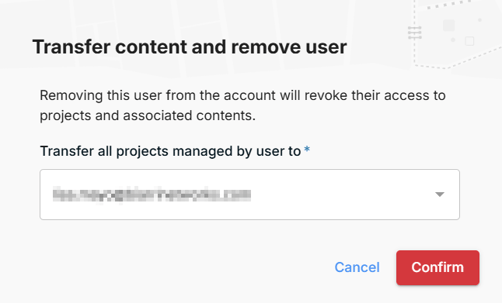
When removing users from the workspace, you will be prompted to transfer their FOND resources to someone else, so that no workspace files can become lost.
Subscription management
URL:
-
https://fond.biarrinetworks.com/settings/account/subscription
- https://fond.biarrinetworks.com/settings/insights
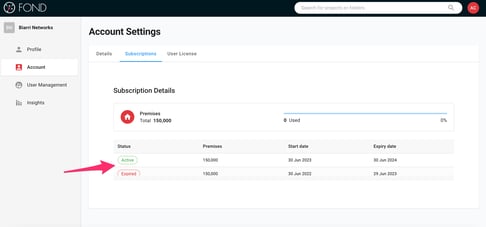
Capabilities: Create, cancel, upgrade and downgrade your FOND subscription, view billing history, modify payment and contact details, and track subscription usage.
On the subscription management page, you have the privilege of viewing and managing FOND subscriptions and payment information.
On the insights page you can track premises utilisation across time and products.
Workspace settings
URL:
-
https://fond.biarrinetworks.com/settings/account/details
-
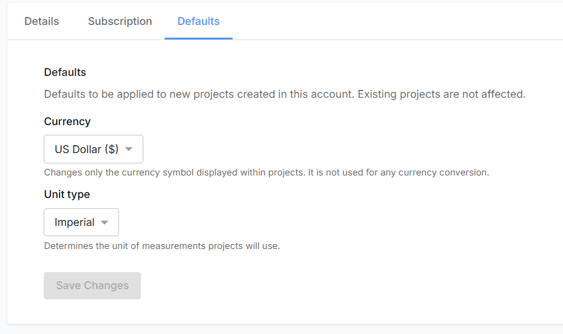
https://fond.biarrinetworks.com/settings/account/defaults
Capabilities: Update workspace logo, configure default project settings.
In the workspace details page you can update the workspace logo colours, or upload an image with your branding.
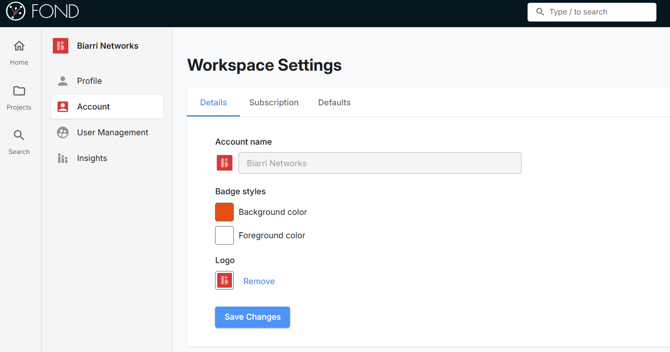
Please contact fondhelp@biarrinetworks.com if you would like to update the workspace name.
In the workspace defaults page you can configure the default currency and unit of measurement settings. These settings will be applied to all new projects, but can still be overridden on a project by project basis.